Teaching on low bandwidth: design courses that work everywhere
Not every student has fast, unlimited data. Practical ways to build courses that load quickly and stay usable on phones and patchy connections.
By Lernie team
Education · September 7, 2026 · 1 min read
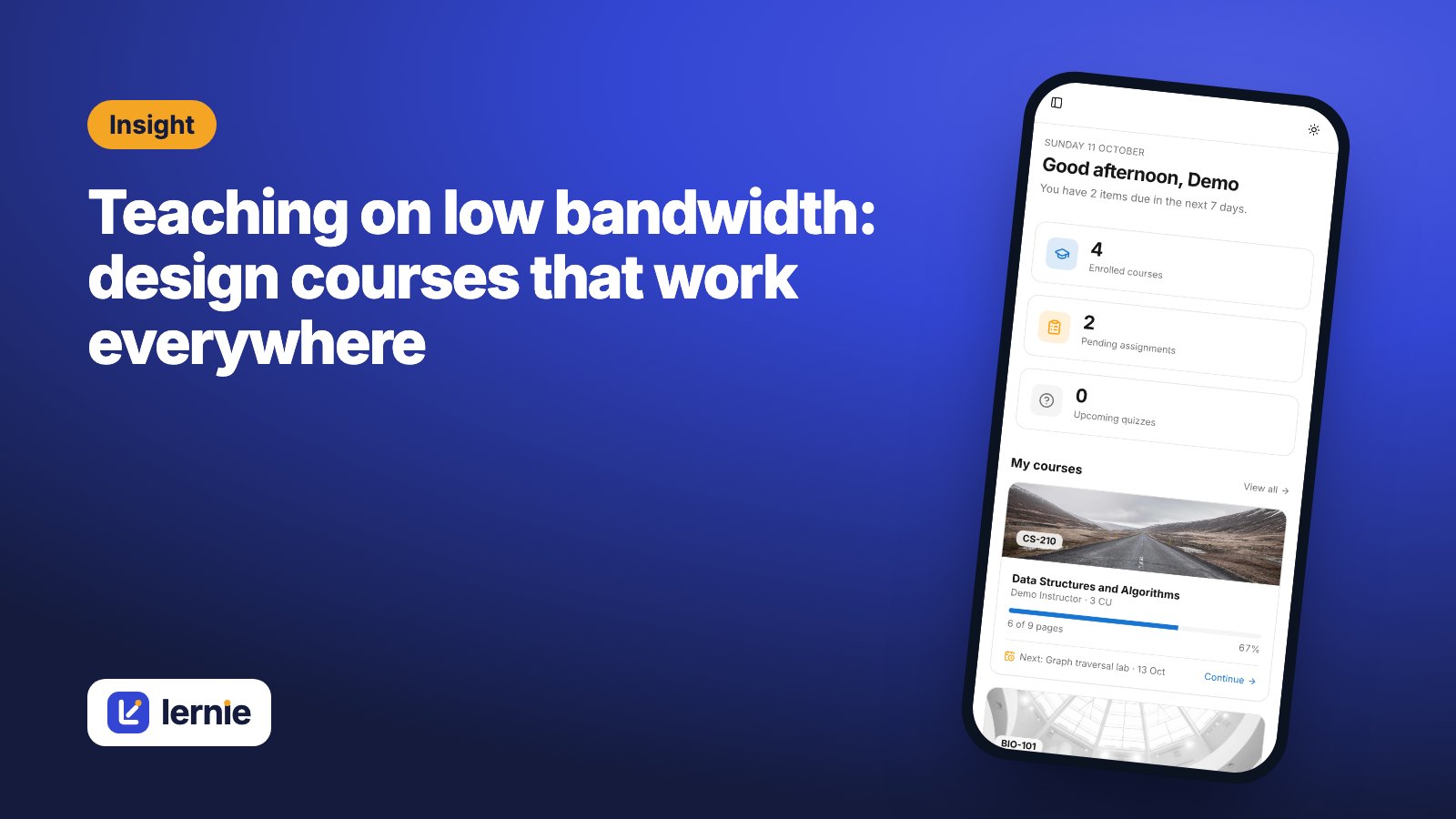
A beautifully produced course isn't much use if half the class can't load it. Many students study on phones, share data with family, or rely on connections that drop at the worst moment. Designing for them makes your course better for everyone.
Prefer text and images to long videos
A page of well-written notes with a diagram loads in seconds. A 40-minute lecture video can cost a student a day's data. If you record video, keep it short (five to ten minutes), and always add a written summary on the same page.
Compress your files
Export slides as PDF rather than uploading huge presentation files, and keep images to a sensible size. A 200 KB image looks just as good on a phone as a 6 MB photo straight from a camera.
Break content into small pages
Short pages load faster, save progress more often and are easier to come back to after a dropped connection. One idea per page is a good rule.
Give generous windows
A quiz that's only open for one evening disadvantages anyone whose power or data fails that night. Where the assessment allows, open quizzes for several days and give a time limit per attempt instead.
Let students plan ahead
Put every deadline, class and exam on the course calendar. Students can see what's coming on their dashboard and add the timetable to their phone's calendar, so they can plan data and study time around it.
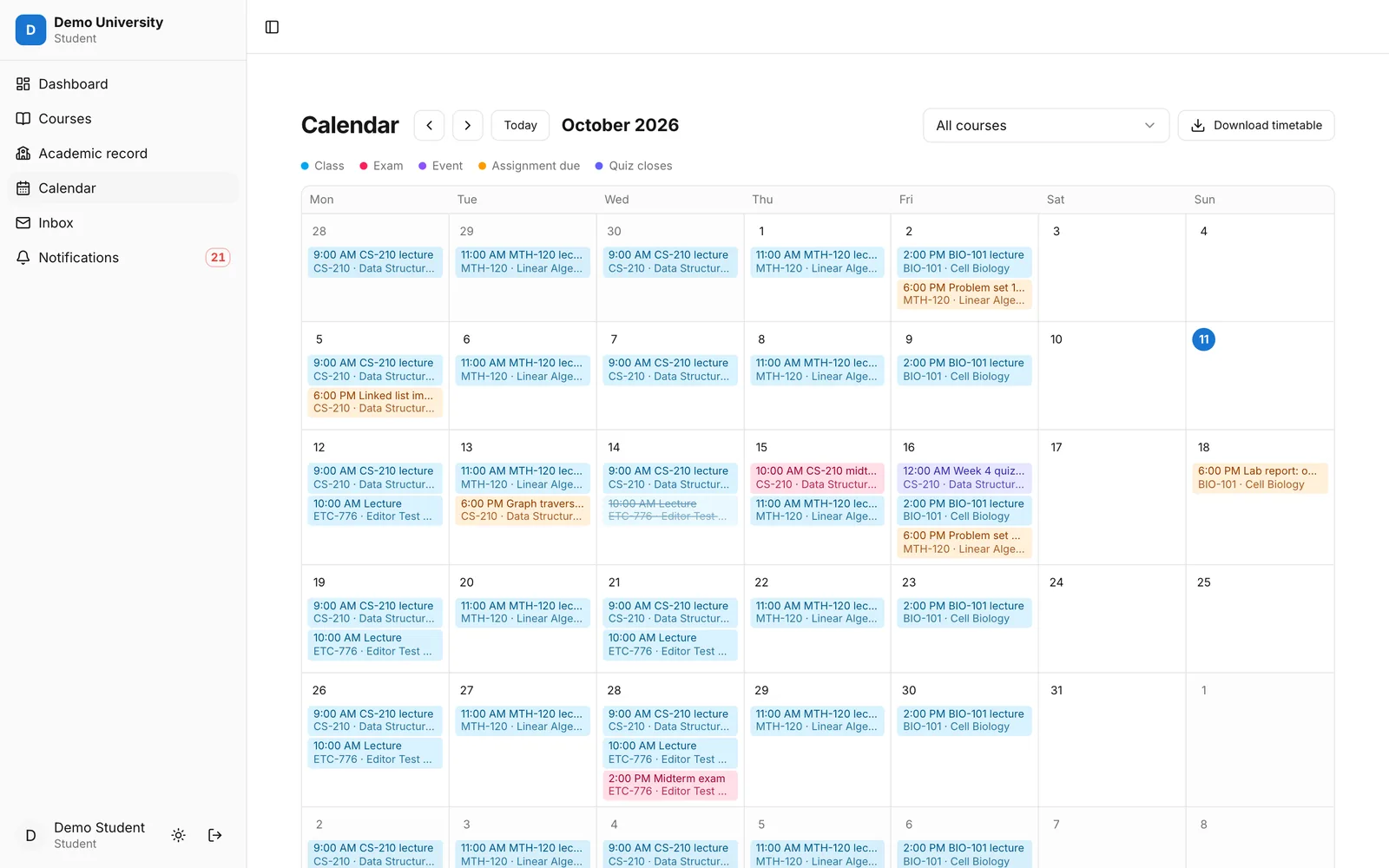 The Lernie calendar with classes, deadlines and an exam
Check it on a phone
Before you publish, open your course on an ordinary phone, ideally on mobile data. If something is hard to read or slow to load, your students will feel it too.