Draft a whole course with Lernie AI, and stay in control
Answer a few questions and Lernie AI drafts weekly notes, quizzes and assignments for you to review. Here's how to get great results.
By Lernie team
Product · September 27, 2026 · 1 min read
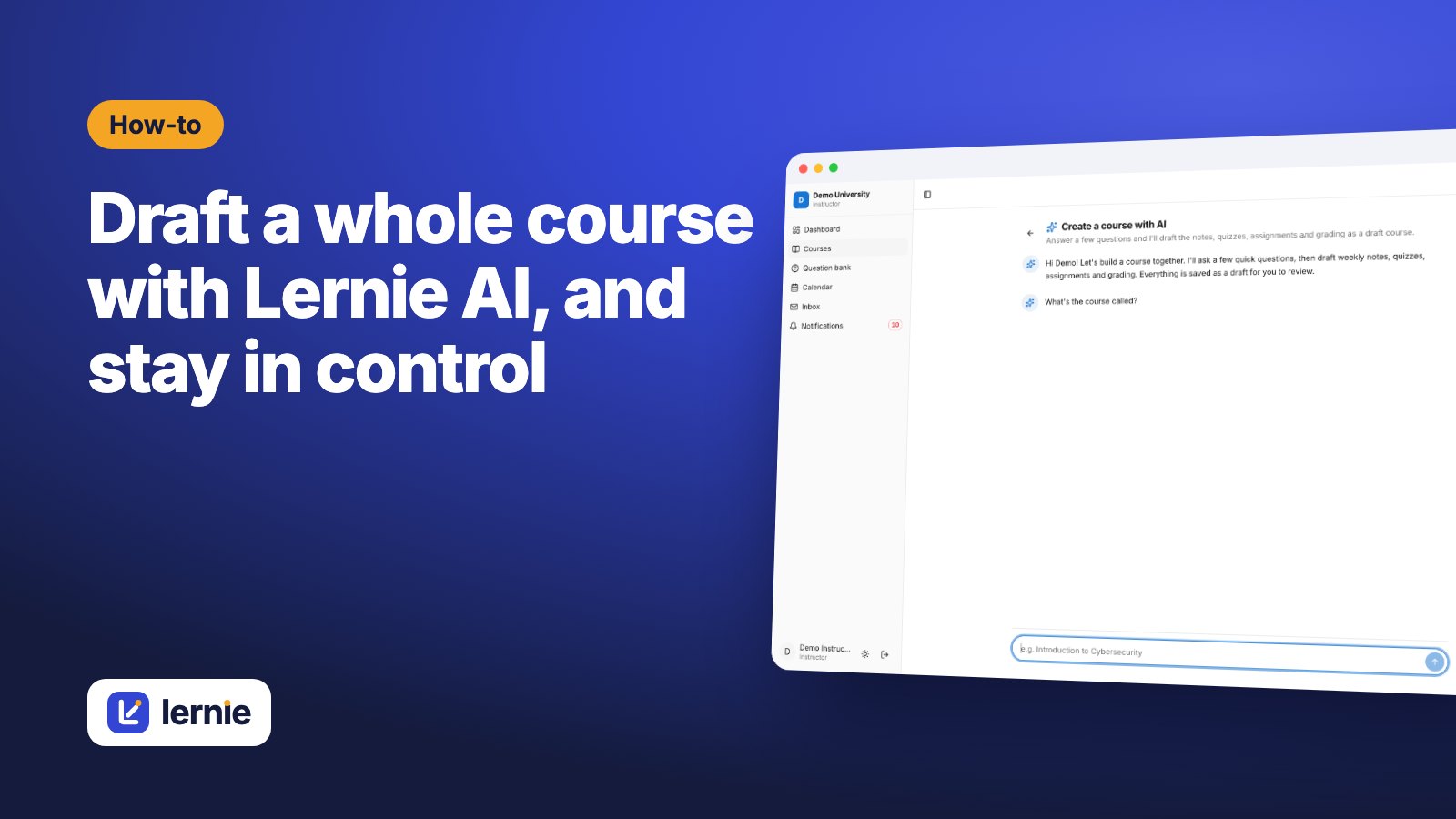
Lernie AI helps you get past the blank page. You describe the course you want, and it drafts a full structure: weekly modules, notes, quizzes, assignments and a grading plan. Everything lands as a draft, so nothing reaches students until you've reviewed it.
Start a conversation
From Courses, choose Create a course with AI. Lernie asks a few quick questions: what the course is called, who it's for, how many weeks it runs and how you'd like to assess students.
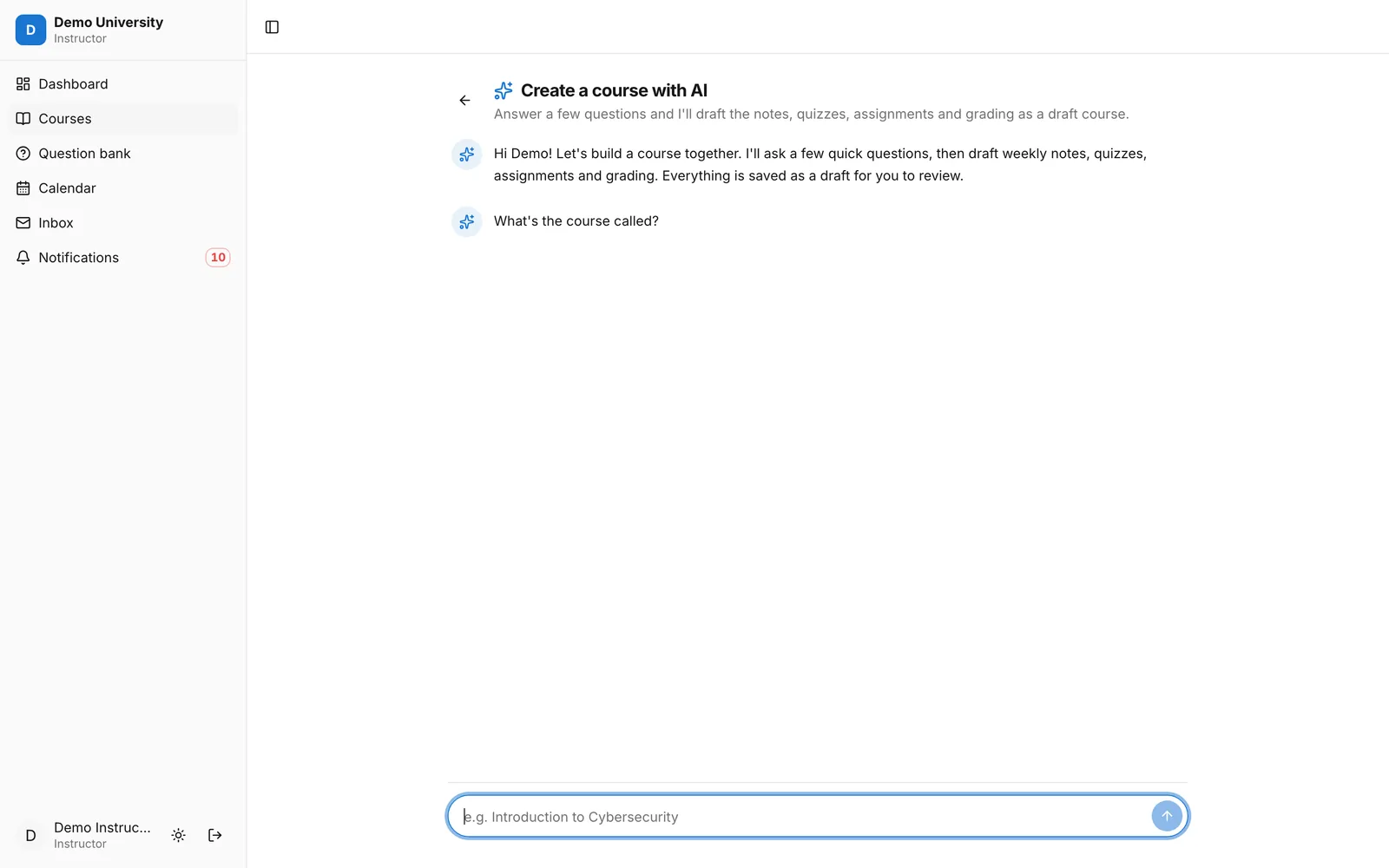 The Lernie AI course builder starting a conversation
Give it your materials
The best drafts come from your own content. Upload or select your existing notes, slides or reading list, and Lernie AI uses them as the basis for the course instead of guessing.
Review like an editor
When the draft is ready you'll get a notification. Open the course in the Builder and work through it like an editor:
- check every page for accuracy and add your own examples;
- adjust quiz questions and correct answers;
- set real deadlines and point values;
- delete anything you wouldn't teach.
AI drafts can contain mistakes. Treat them as a confident first draft from a helpful assistant, not a finished course.
Generate quiz questions on demand
Inside any quiz, Generate with AI creates questions from the topics you choose, at the difficulty you set. Keep the good ones, edit the rest, and save them to a question bank for next time.
What happens to your data
When you use Lernie AI, the course details and materials you choose are sent to our AI provider to create the draft. Student submissions and grades aren't used, and the data isn't used to train the provider's models. See our privacy policy for details.